Employees
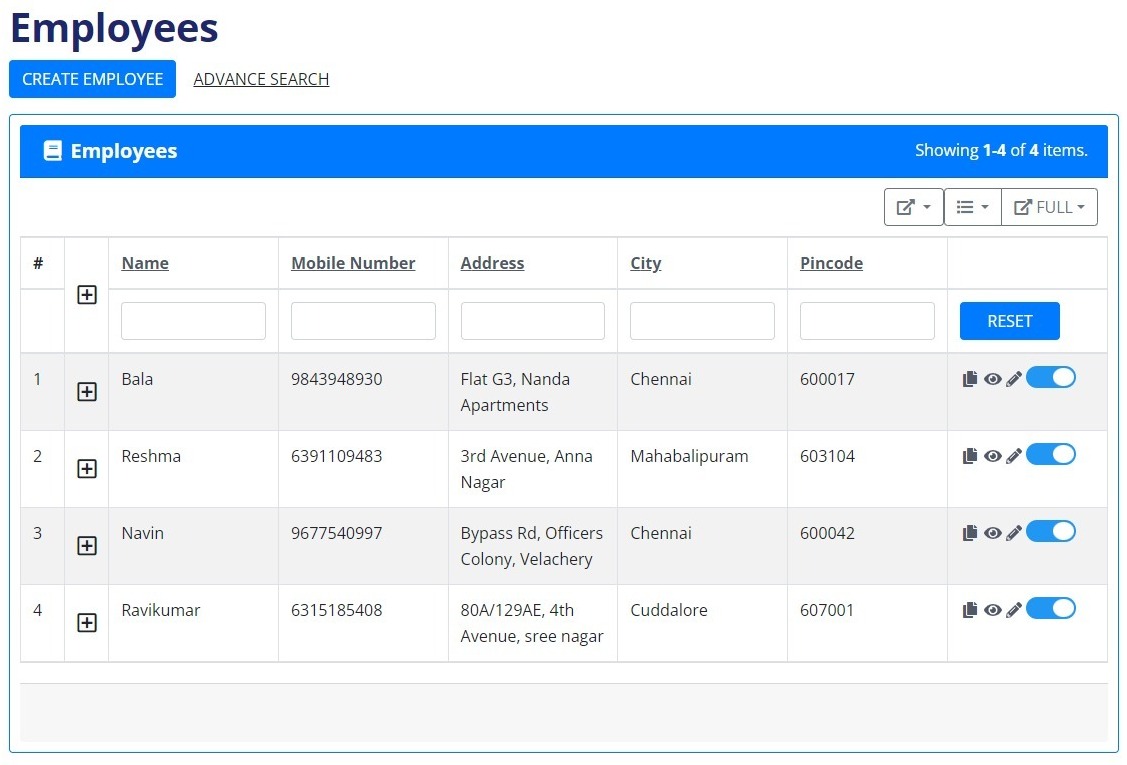
In the employee section, you have the ability to create and manage employee details, including essential information such as name, email address, phone number, and address. Once these details are entered, a corresponding entry is added to the employees' table. The table conveniently displays a "+" symbol next to each employee's name, allowing users to easily expand and view additional information, including invoice order details.
For efficient data management, the system provides several options. The "update" feature allows users to modify employee details as needed. Additionally, there's a "save as new" option, enabling the saving of updated information as a new employee entry. The "view" icon provides a comprehensive overview of all employee details.
To enhance usability, the system supports data export in various formats such as Excel, CSV, HTML, or Text. Users can export either the entire dataset or selected columns based on their specific needs. Furthermore, the system allows for data export in PDF or JSON formats, offering flexibility in handling and sharing information.
For streamlined access to specific employee information, an advanced search option is available. Users can extract details using parameters such as the employee's name, phone number, address, city, or pin code, making it convenient to locate and manage individual records efficiently.