Very helpful in managing my monthly GST invoices, there is also the ease to use this system.
Creating Invoices has never been this easy!
Incur has all the features to ensure your invoices stay up to date.
Sign up for free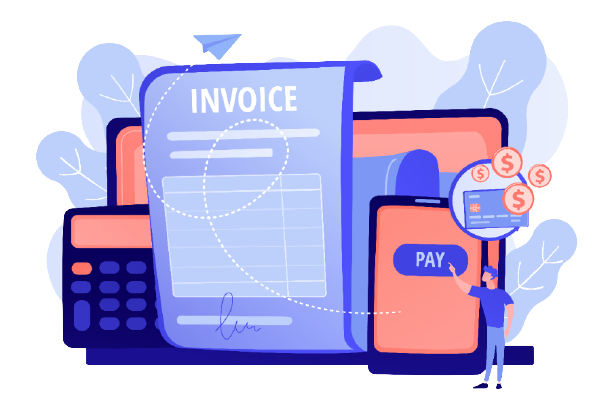
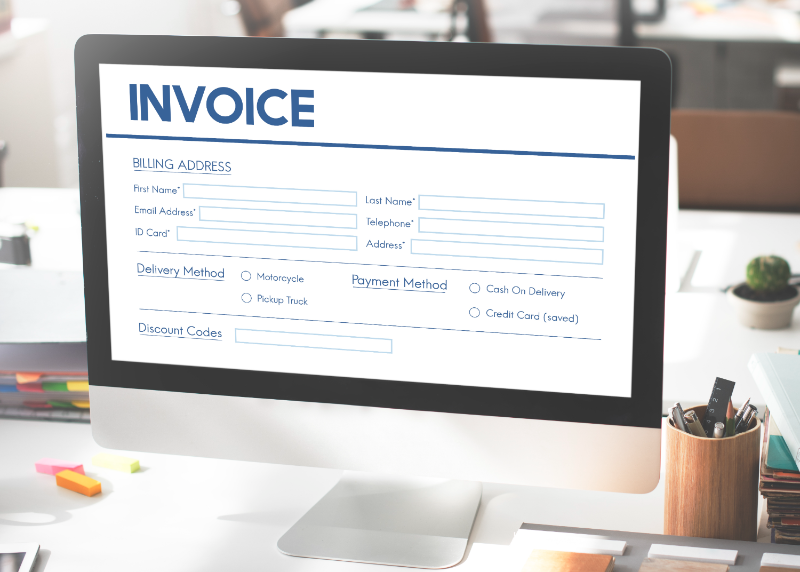
An Invoice billing system incorporating product and GST invoicing is an integral part of modern financial management for businesses. This comprehensive system not only automates the generation of invoices but also includes features to itemize products and incorporate Goods and Services Tax (GST) details. It streamlines the billing process by allowing businesses to create detailed invoices that specify each product or service provided, along with corresponding prices and quantities.
Sign up for freeSpecial features of Incur
Easy to use, optimized for best results and clarity in understanding. INCUR features stand out to give customers a hassle-free experience.
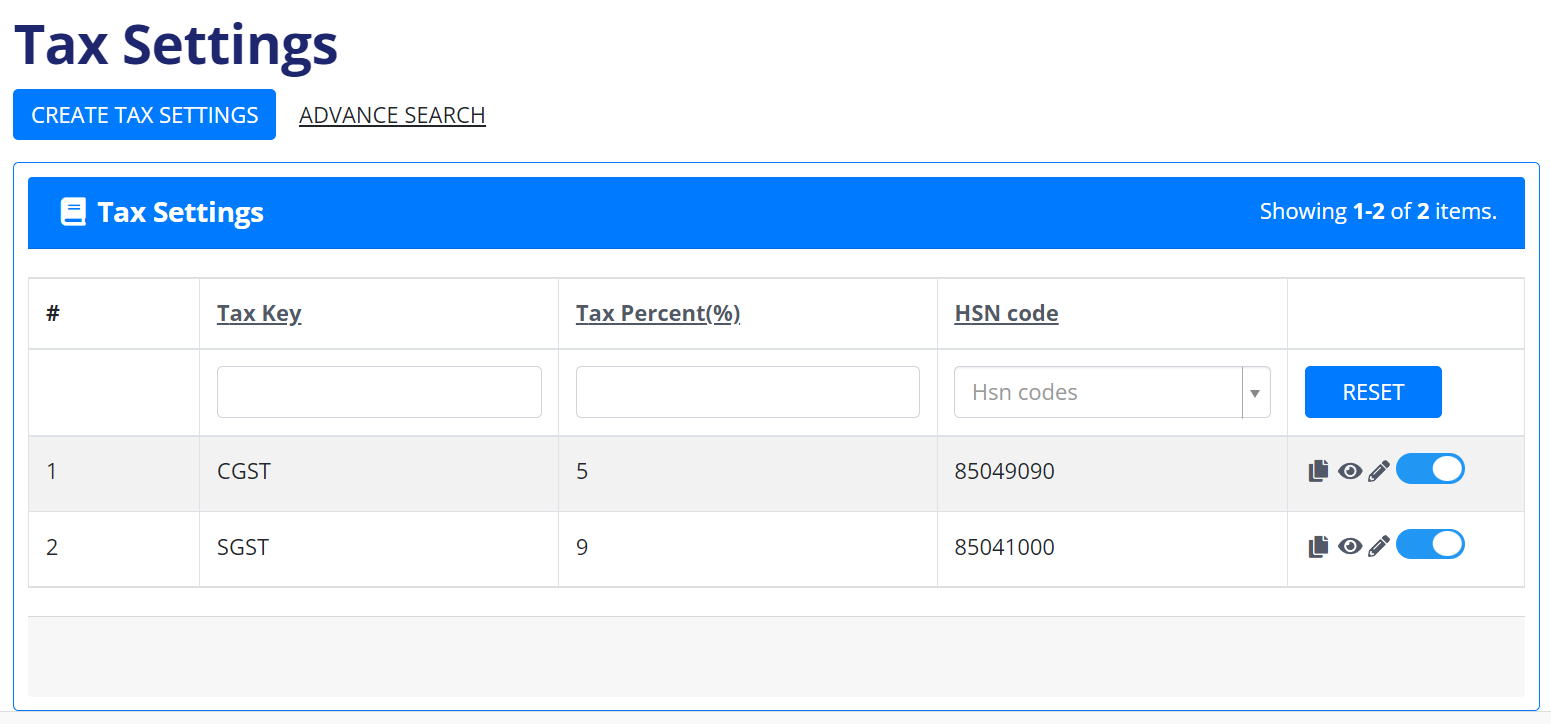
Add Tax Settings
Easily update, add, view taxes with an advance search option.
Add Products
New or old, update the details easily. Perform an advance search to extract details.
Prepare your Invoice Order
Update and print invoices for the products purchased using this feature.
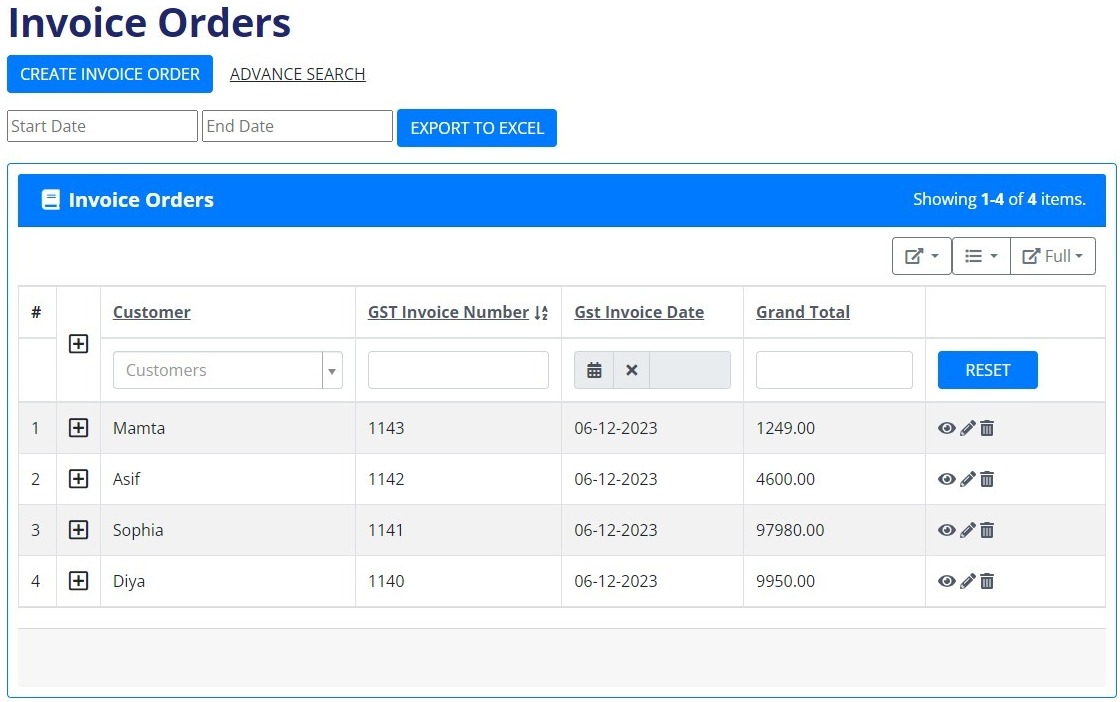
Orders
The Invoice Order page features a user-friendly interface with a "Create Invoice" button for quick invoice generation. An advanced search option streamlines order tracking, while invoices are presented in a clear tabular format. Users can seamlessly add, update, view, and print invoices directly from this page. Additionally, specifying from-to dates enables easy export of orders, enhancing efficient data management.
Learn MoreEmployees
The Employee Sales Report displays a comprehensive list including names, mobile numbers, cities, addresses, and pin codes of employees involved in product sales. With an extract data option, users can efficiently gather specific information. A quick search function allows for easy retrieval of individual employee details. The page supports seamless updates, views, and the option to save new employee information, ensuring flexible and efficient management.
Learn More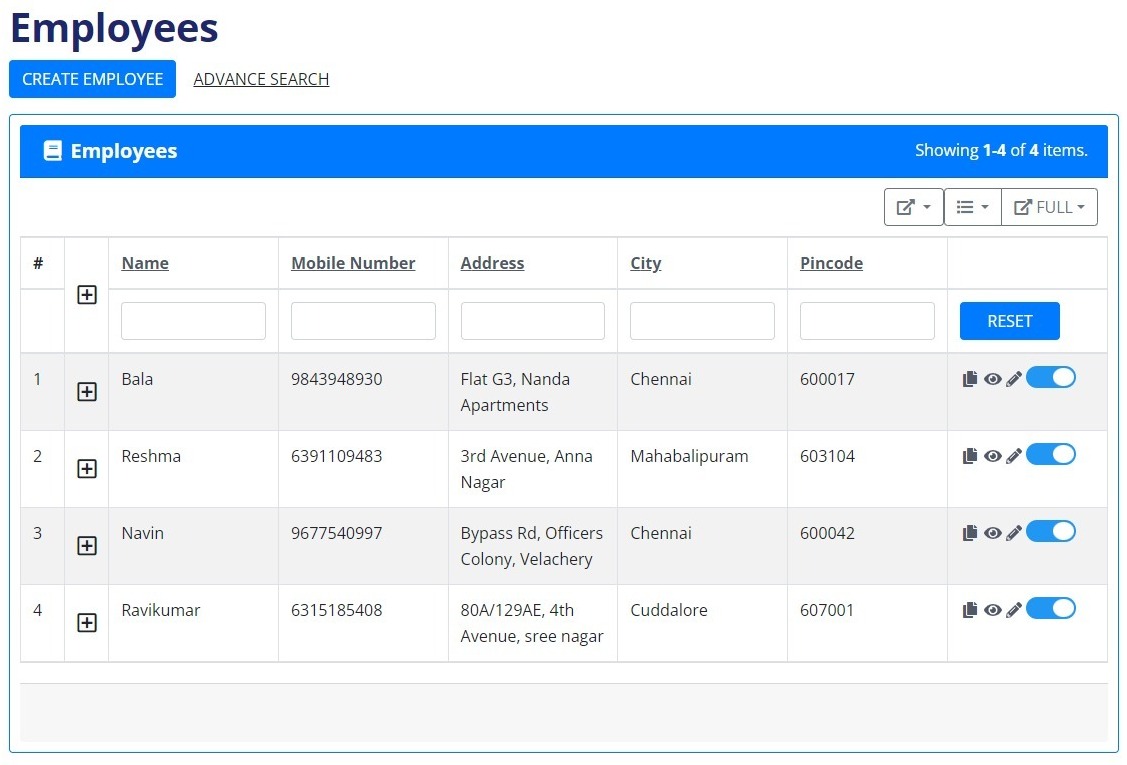
Products
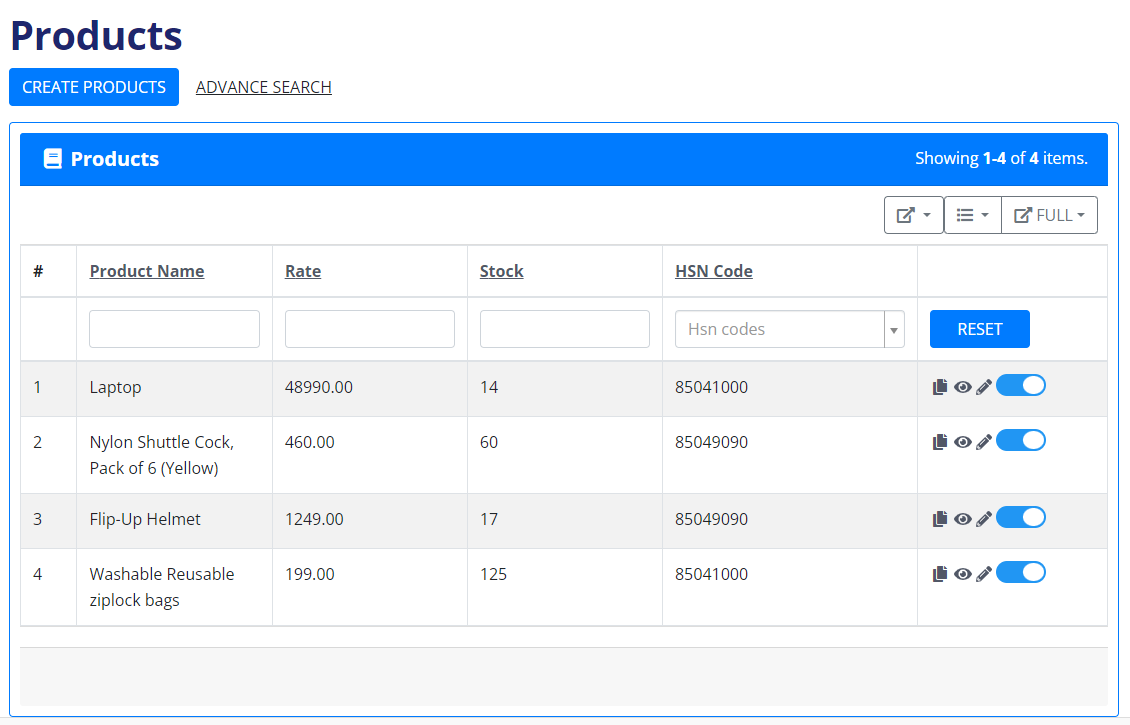
The detailed product invoice includes product names, rates, stock availability, and HSN codes. Users can effortlessly make changes or view product details by clicking on the respective icons. An advanced search option enhances precision in locating specific product information, ensuring efficient management.
Learn MoreCustomers
The Customer Purchase List provides a comprehensive overview of customers who have made purchases. Easily update details for both new and existing customers with a quick and intuitive interface. Perform advanced searches to efficiently extract specific customer information. Icons for delete, edit, and save as new actions enable swift and flexible customer management directly from the table, ensuring a seamless and user-friendly experience.
Learn More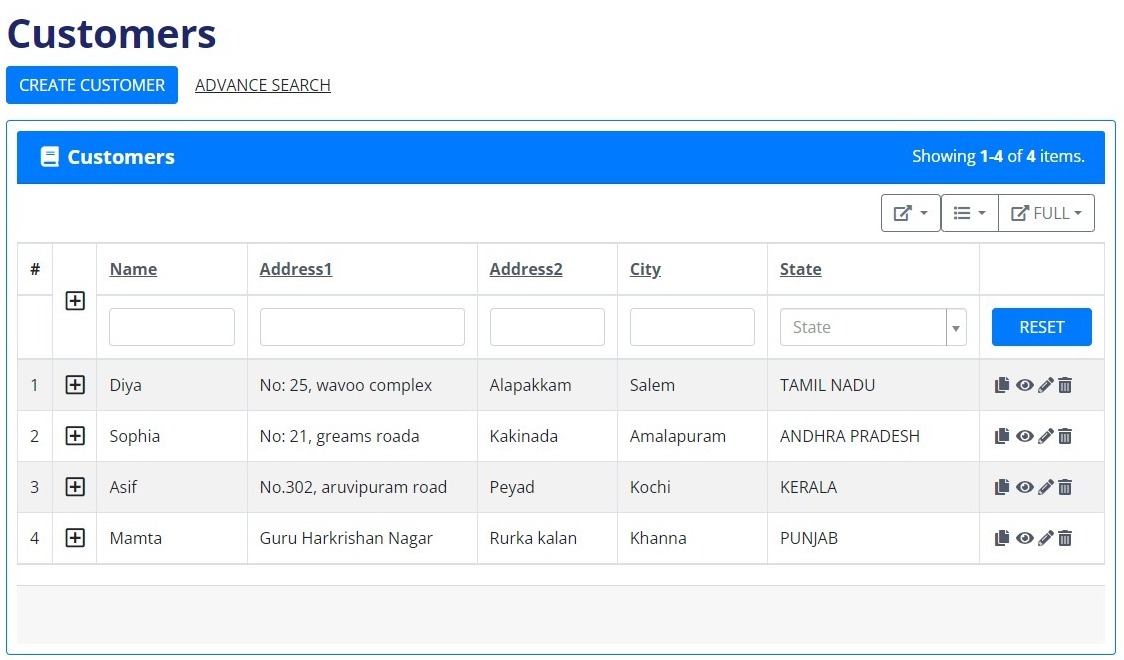
Settings
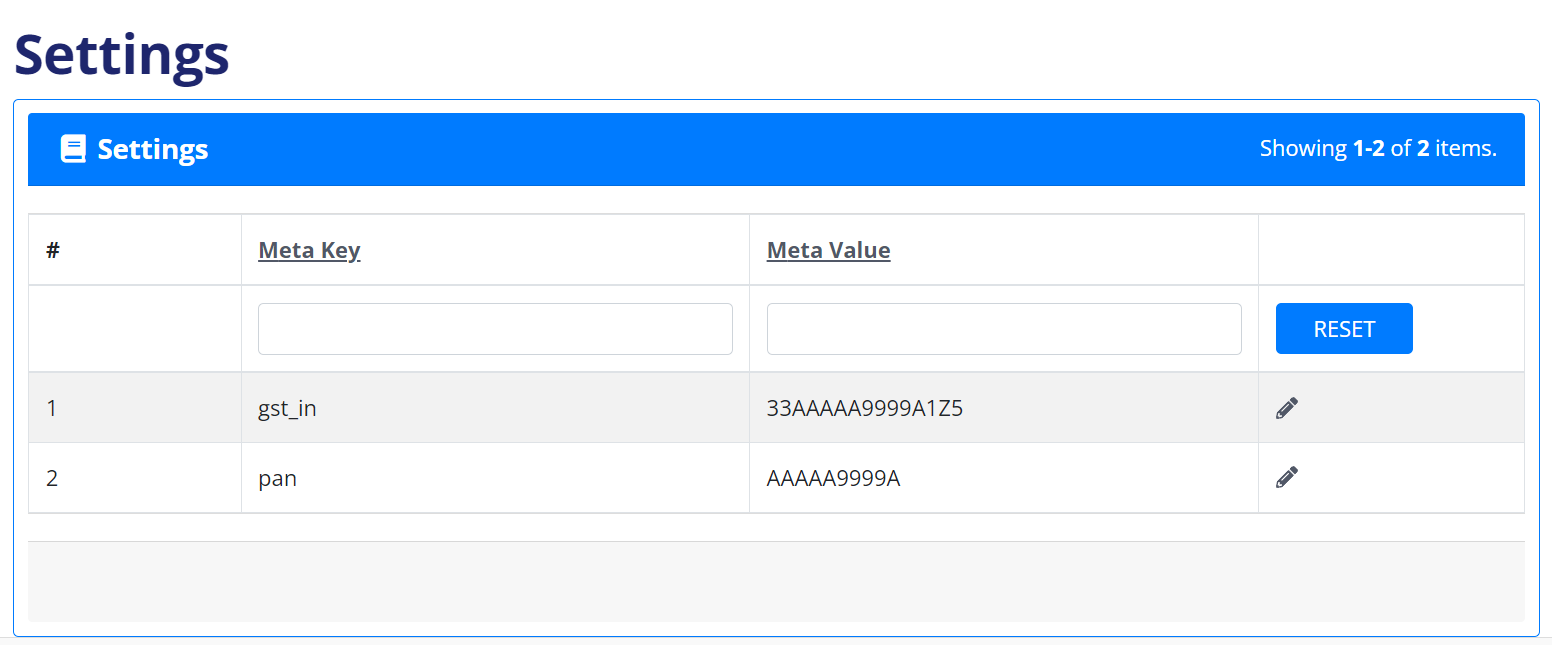
Meta values are each company’s unique GST IN and PAN which are automatically displayed on generated invoices, providing essential identification. The invoice order further showcases specific details for comprehensive and accurate documentation. Meta values can only be modified by a user.
Learn MoreTax Settings
Effortlessly manage product taxes with options to add, update, view, and save as new configurations. Utilize an advanced search feature for efficient data retrieval. Each product is associated with its unique HSN code, streamlining tax settings during product creation. This dynamic system ensures seamless integration of tax details, enhancing accuracy and efficiency in the product creation process.
Learn More